
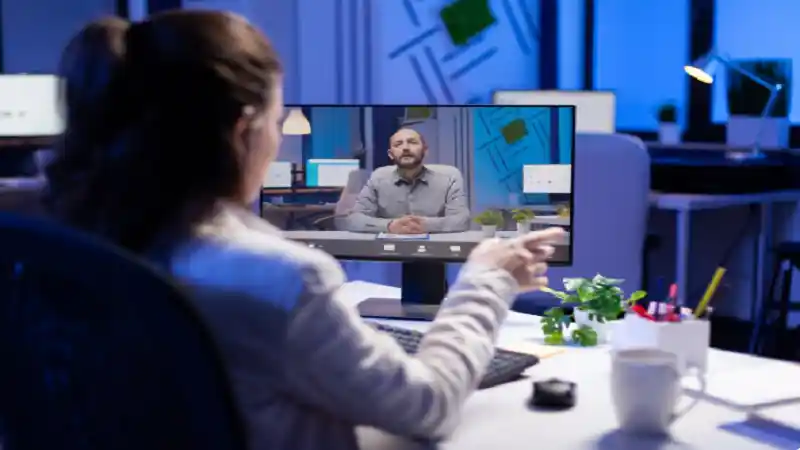
When you run a remote live stream, you are not just broadcasting content; you are building a room full of people who expect to participate. Viewers today scroll past passive video without a second thought, so if you want them to stay, you need to give them reasons to engage. That means designing your stream around interaction from the very first minute, not bolting on a poll at the end and calling it a day.
One of the easiest ways to boost engagement is to bring in outside voices. When you host a live stream with remote guests, you introduce fresh perspectives, new energy, and built-in audience crossover, since your guests’ followers are likely to tune in too. Managing the technical side of multiple remote feeds can feel daunting, but modern platforms have made it far more approachable than it used to be.
Choose Interactive Formats That Fit Your Audience
Before you pick specific tools, think about the format that will resonate with your viewers. A panel discussion invites debate and differing opinions, while a Q&A format puts your audience directly in the driver’s seat. If you are teaching a skill, a workshop-style stream with live demonstrations and audience follow-along segments tends to keep attention high. Whatever format you choose, make sure it gives viewers a reason to stay active rather than sit back and watch.
Use Polls, Chat, and Live Reactions
Real-time feedback tools are some of the simplest ways to keep your audience involved. Polls let you gauge opinion instantly, chat gives viewers a voice, and live reactions offer a quick emotional pulse check without requiring anyone to type a full sentence. Research on digital audience behavior, including work published by the Pew Research Center, has consistently shown that people are more likely to stay engaged with content when they feel their input shapes what happens next. You can use that insight by actually acting on the feedback you receive, adjusting your topics or pacing based on what your chat is telling you in real time.
Built-in Structured Interaction Points
Rather than leaving engagement to chance, plan specific moments in your run of show dedicated to audience interaction. This might be a segment where you read chat questions aloud, a midstream poll result reveal, or a guest takeover where a remote participant leads a short activity. Structuring these moments in advance helps you avoid dead air and gives your production team clear cues for graphics, camera switches, and audio levels.
Prioritize Reliable, Low-Latency Technology
None of these strategies matter if your connection drops or your guest’s video freezes mid-sentence. Low latency is essential for interaction to feel natural, since long delays make back-and-forth conversation awkward and can kill momentum. Standards bodies such as the World Wide Web Consortium continue to refine the web-based protocols that make smooth, real-time video communication possible, and choosing platforms built on these modern standards will save you from many common headaches.
Follow-Up After the Stream Ends
Engagement does not have to stop when you go offline. Share clips, highlight memorable audience moments, and respond to comments left after the fact. This keeps the conversation going and signals to your community that their participation genuinely matters to you, which makes them more likely to show up and engage again next time.
Interactive remote live streaming rewards preparation. When you combine thoughtful formats, real-time feedback tools, structured interaction points, and dependable technology, you give your audience every reason to lean in rather than tune out. See More